
Microsoft 365 Learning Centre
Practical Microsoft 365 advice for UK businesses covering licensing, security, Outlook, Teams, OneDrive, SharePoint, backup, device management and the latest Microsoft updates.
Whether you’re comparing Microsoft 365 licences, improving security, planning a migration or trying to understand Microsoft’s latest announcements, this Learning Centre brings together practical guidance written for business owners, managers and IT decision-makers.
Latest Microsoft 365 Articles
Stay up to date with the latest Microsoft 365 news, practical guides, licensing advice and security updates for UK businesses. New articles appear here automatically as they’re published.
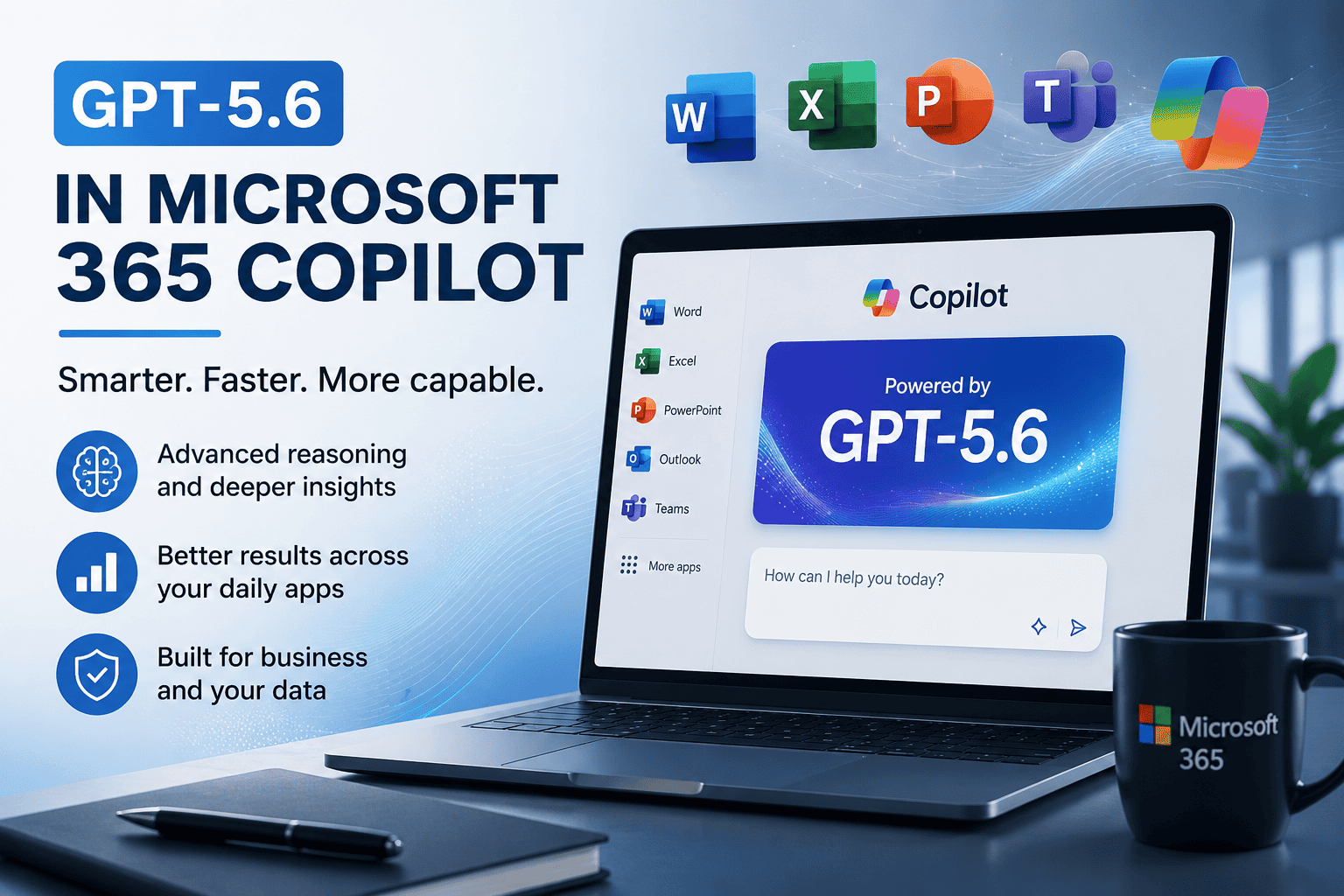
GPT-5.6 in Microsoft 365 Copilot: What It Means for Business Users
GPT-5.6 is now available in Microsoft 365 Copilot, bringing stronger reasoning and more capable assistance across everyday Microsoft 365 apps. Here is what businesses should know before relying on it more heavily.
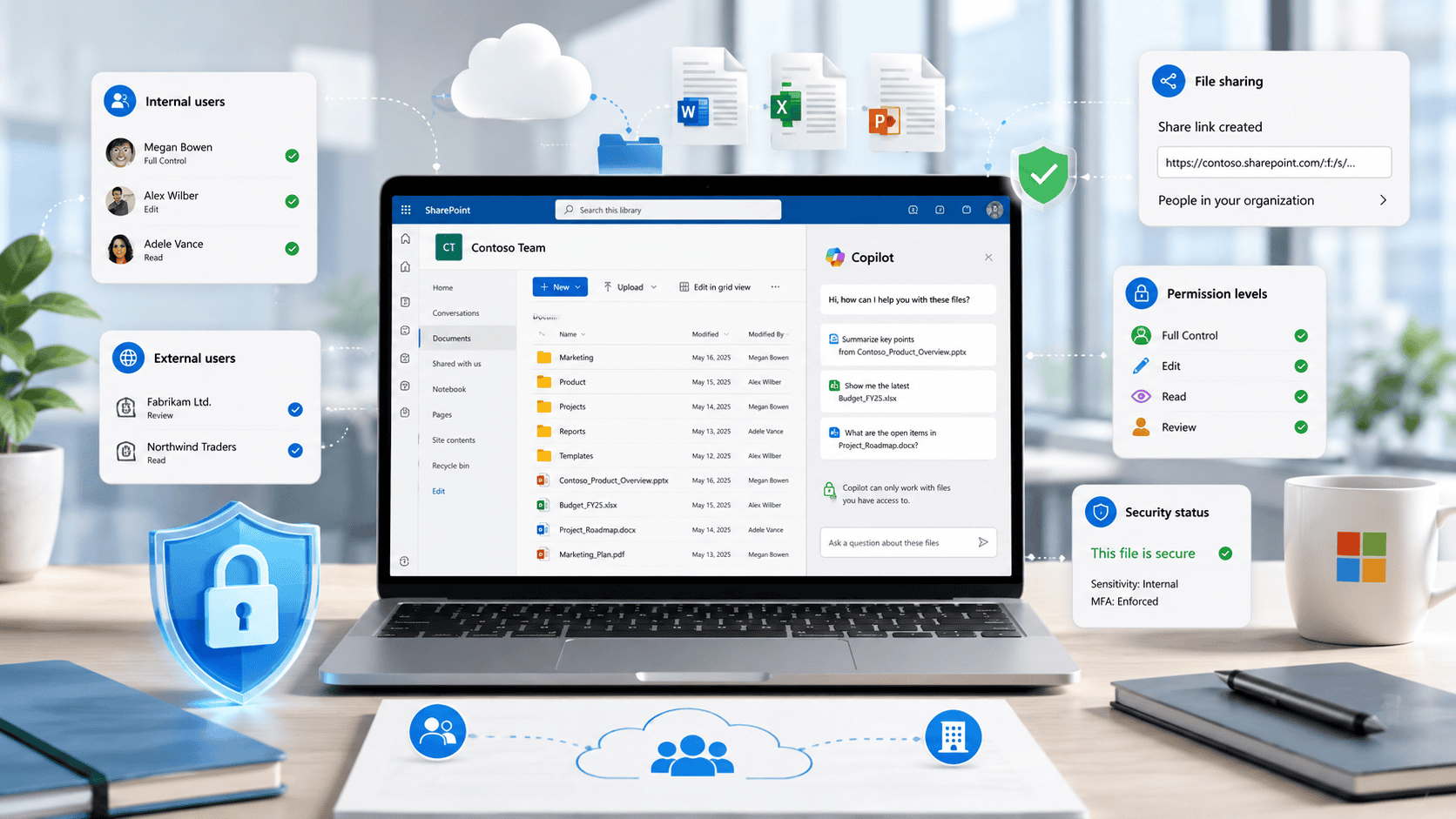
Copilot in SharePoint: Why File Permissions Matter
Copilot in SharePoint can help users work with business content more easily, but it also makes file permissions, external sharing and old data more important than ever.
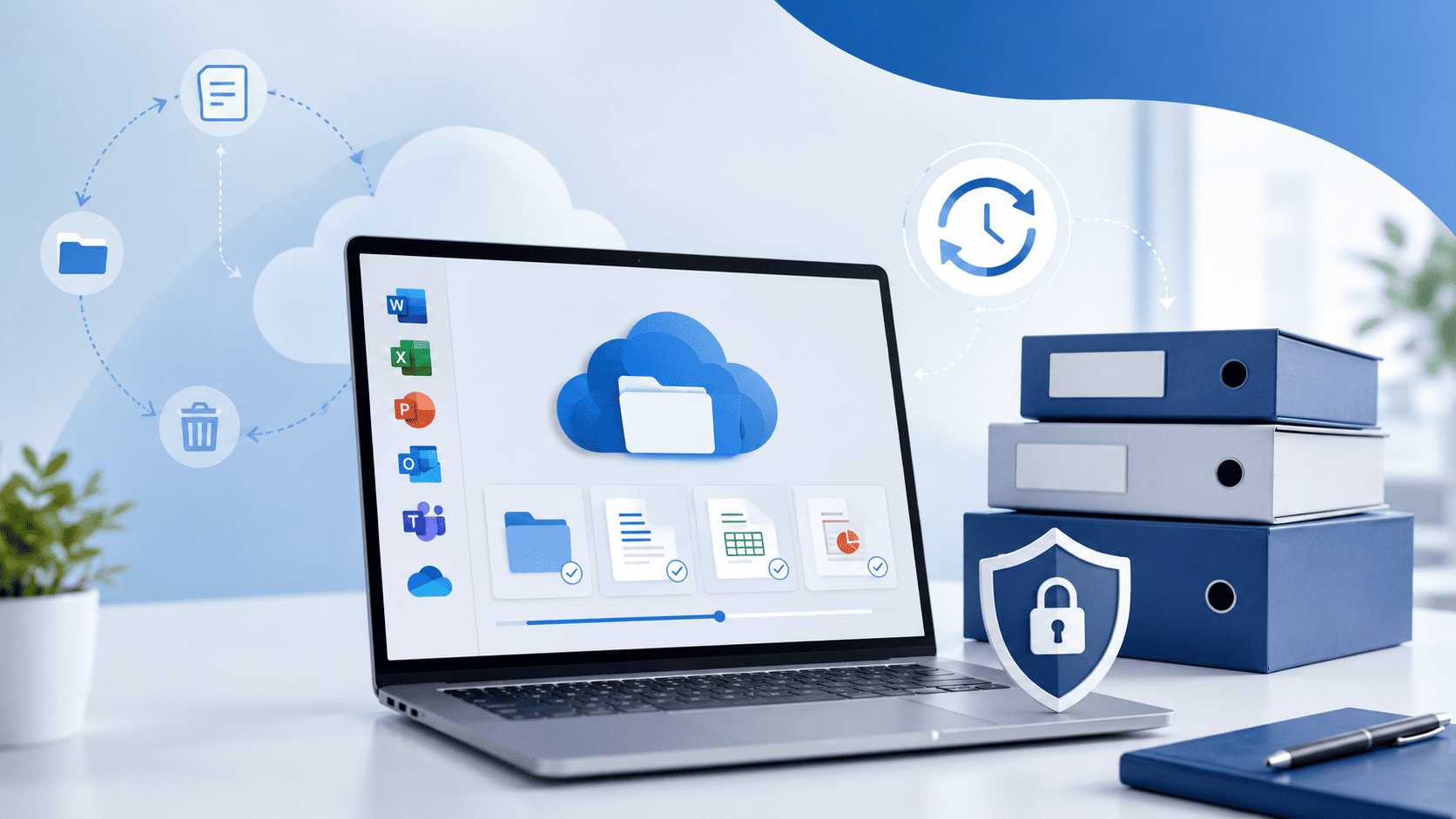
Microsoft 365 Archive: What It Means for Business Data, Storage and Recovery
Microsoft 365 Archive is becoming more relevant for businesses that rely heavily on SharePoint, Teams and OneDrive. As more files are created, shared and stored in Microsoft 365, many organisations are starting to face a familiar problem: too much data, not enough…
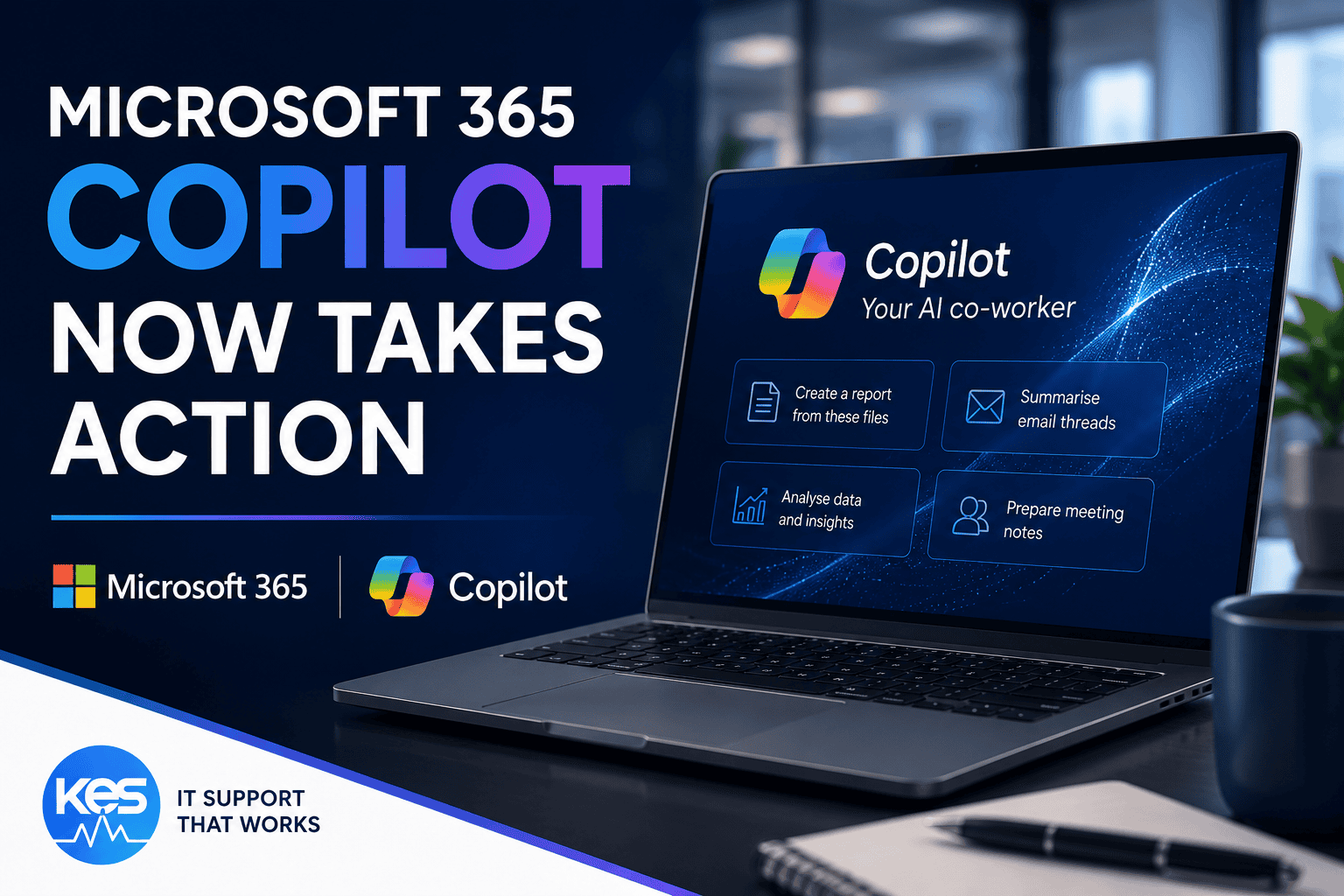
Microsoft 365 Copilot Can Now Take Action for Your Business
Microsoft has announced new Microsoft 365 Copilot capabilities that allow AI to complete business tasks automatically. Find out what this means for SMEs and professional services firms.

Microsoft 365 Backup: Why Microsoft Is Talking More About Recovery
Microsoft is putting more focus on backup and recovery in Microsoft 365. Here is what that means for businesses relying on cloud email, files and collaboration data.
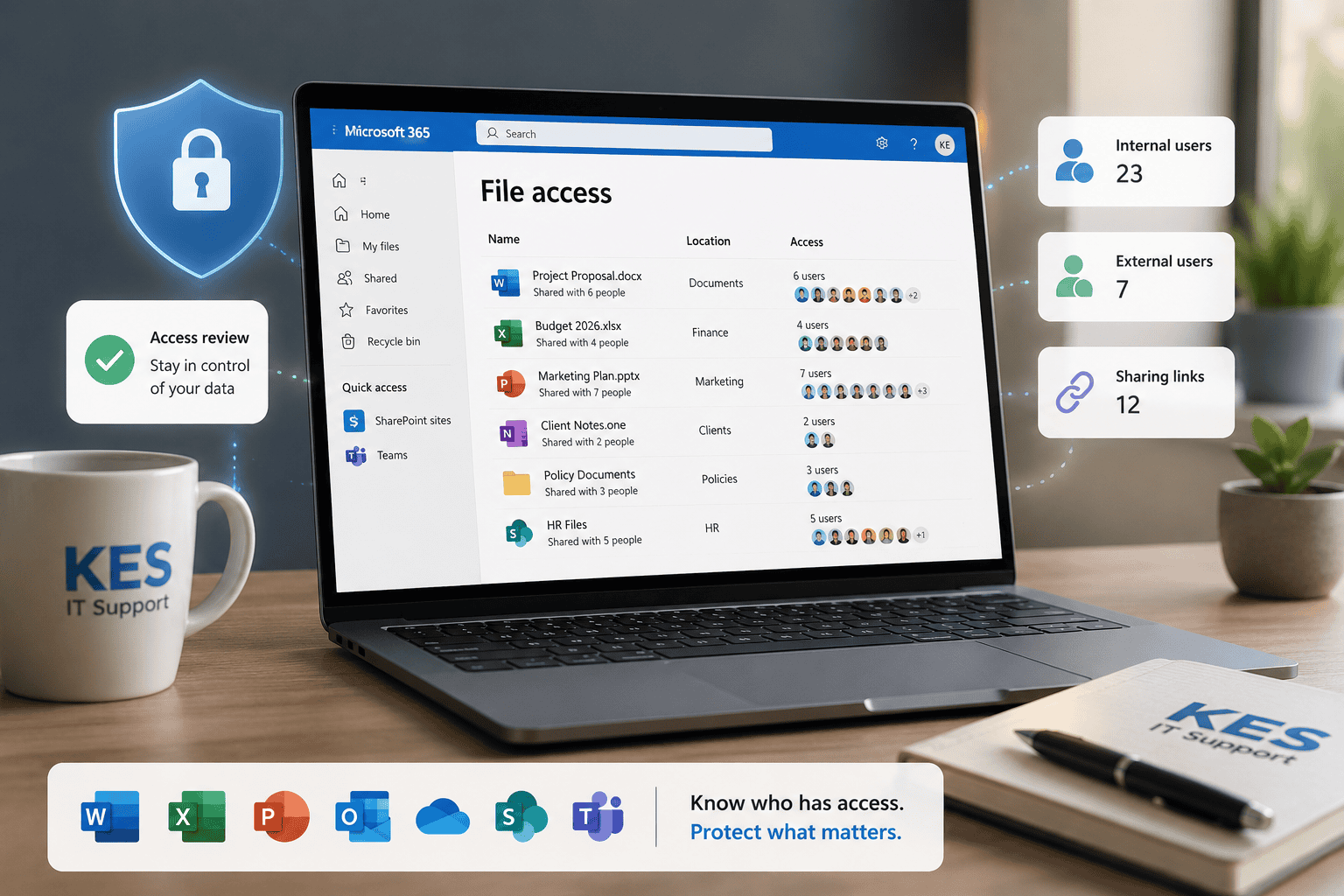
How to Check Who Has Access to Your Microsoft 365 Files
Microsoft 365 files can be shared through OneDrive, SharePoint and Teams. This guide explains why regular access reviews help protect business data.
Browse by Topic
Microsoft 365 News
Stay up to date with Microsoft 365 announcements, Outlook changes, Teams updates, mailbox improvements, licensing news and Copilot developments.
Explore News →
Microsoft 365 Security
Learn about Microsoft Defender, Conditional Access, Intune, MFA, identity protection and securing your Microsoft 365 environment.
Explore Security →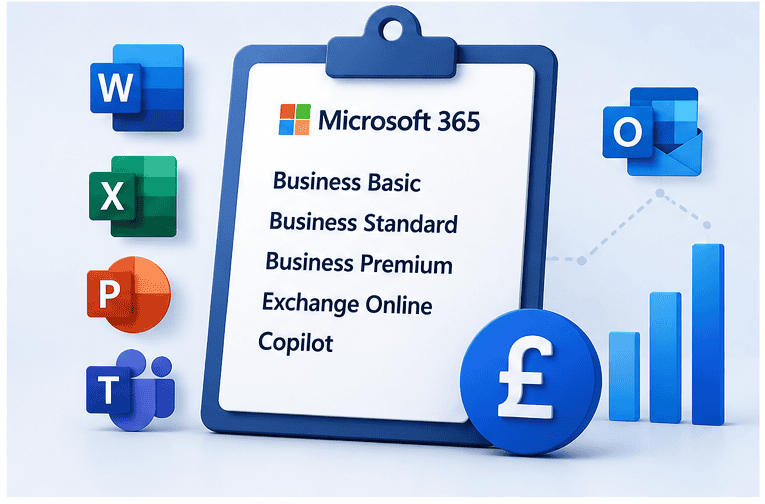
Microsoft 365 Licensing
Compare Business Basic, Business Standard, Business Premium, Exchange Online, Copilot and Microsoft 365 licensing costs.
Explore Licensing →
Microsoft 365 Guides
Step-by-step Microsoft 365 guides covering Outlook, Teams, OneDrive, SharePoint, backup, shared mailboxes and administration.
Browse Guides →Microsoft 365 Should Support Operations, Not Create Uncertainty
For many SMEs, Microsoft 365 has gradually become the centre of day-to-day operations. Email, Teams, SharePoint, OneDrive and business documents now sit at the heart of how staff communicate and collaborate.
The challenge is that many businesses are still managing Microsoft 365 reactively. Licensing grows over time without review, security settings remain inconsistent, backups are assumed rather than verified, and access permissions become difficult to track properly.
That creates operational friction, avoidable security exposure and uncertainty around ownership. Good Microsoft 365 management is not simply about keeping accounts running. It is about making sure the platform supports productivity, security and business continuity consistently.
The articles above explore practical ways SMEs can improve Microsoft 365 governance, reduce operational risk and build a more stable IT environment over time.
Frequently Asked Questions
What Microsoft 365 licence is best for SMEs?
For many SMEs, Microsoft 365 Business Premium provides the best balance between productivity, security and device management. However, the right licensing depends on how staff work, what security controls are required and how business devices are managed.
Does Microsoft 365 include backup?
Microsoft 365 provides platform resilience, but many businesses still implement separate cloud backup solutions for email, OneDrive, Teams and SharePoint data to improve recovery options and retention control.
Why is Microsoft 365 security management important?
Microsoft 365 often contains sensitive business information, client communications and operational data. Proper security management helps reduce phishing risk, improve access control and strengthen business continuity.
What is Microsoft 365 Business Premium?
Business Premium combines Microsoft 365 productivity tools with additional security and device management features, making it a popular choice for SMEs needing stronger operational and cyber security controls.
Can Microsoft 365 support remote and hybrid working?
Yes. Microsoft 365 supports remote collaboration through Teams, SharePoint, OneDrive and cloud-based Office applications, helping staff work securely across office, home and mobile environments.