
Microsoft 365 Guides
Practical Microsoft 365 guides for UK business users, managers and administrators. This section covers common Microsoft 365 tasks, security checks, account protection, user management and everyday questions in clear, straightforward language.
These guides are designed to help businesses use Microsoft 365 more confidently, reduce avoidable support issues and understand when a setting, licence or security change may need professional attention.

Can You Delay Every Email in New Outlook?
New Outlook can schedule individual emails, but it cannot replicate Classic Outlook’s automatic delay rule for every message. Here is what businesses need to know.

SharePoint and OneDrive Now Support Markdown Files: What Businesses Need to Know
Microsoft has introduced native Markdown support in SharePoint and OneDrive, allowing users to view and edit .md files directly in Microsoft 365. Here is what it means for business documentation, collaboration and file management.

Microsoft Is Changing How Windows Hello Counts as MFA – What Businesses Need to Know
Microsoft is changing how Windows Hello for Business and macOS Platform SSO are treated in Microsoft Entra. From October 2026, these phishing-resistant sign-in methods can satisfy more MFA requirements without users needing a separate authentication method. Here’s what businesses need to know.

Microsoft 365 Password Reset Is Changing in September 2026 – Is Your Business Ready?
Microsoft is changing its self-service password reset rules from 7 September 2026. Businesses using Microsoft 365 should check that users have properly registered authentication methods before the new requirements take effect.

Microsoft Is Ending SMS MFA – What Microsoft 365 Users Need to Do Before February 2027
Microsoft is retiring SMS and voice MFA, with major changes beginning in September 2026 and enforcement from February 2027. Here’s what Microsoft 365 users and UK businesses need to do to prepare.

Microsoft 365 Now Includes Copilot Chat – Here’s What You Get Without Paying for Copilot
Microsoft 365 Copilot Chat is available at no additional cost with eligible Microsoft 365 business subscriptions. Discover what’s included, how it differs from paid Microsoft 365 Copilot, and what it means for your business.

How to Check External Sharing in SharePoint and OneDrive
External sharing in SharePoint and OneDrive lets businesses work with clients, suppliers and partners, but it can also expose files if it is not reviewed properly. This guide explains what to check and why it matters.

SharePoint vs OneDrive: Which Should Your Business Use?
SharePoint and OneDrive are both part of Microsoft 365, but they are designed for different types of file storage. This guide explains the difference in plain English and helps businesses decide where files should live.
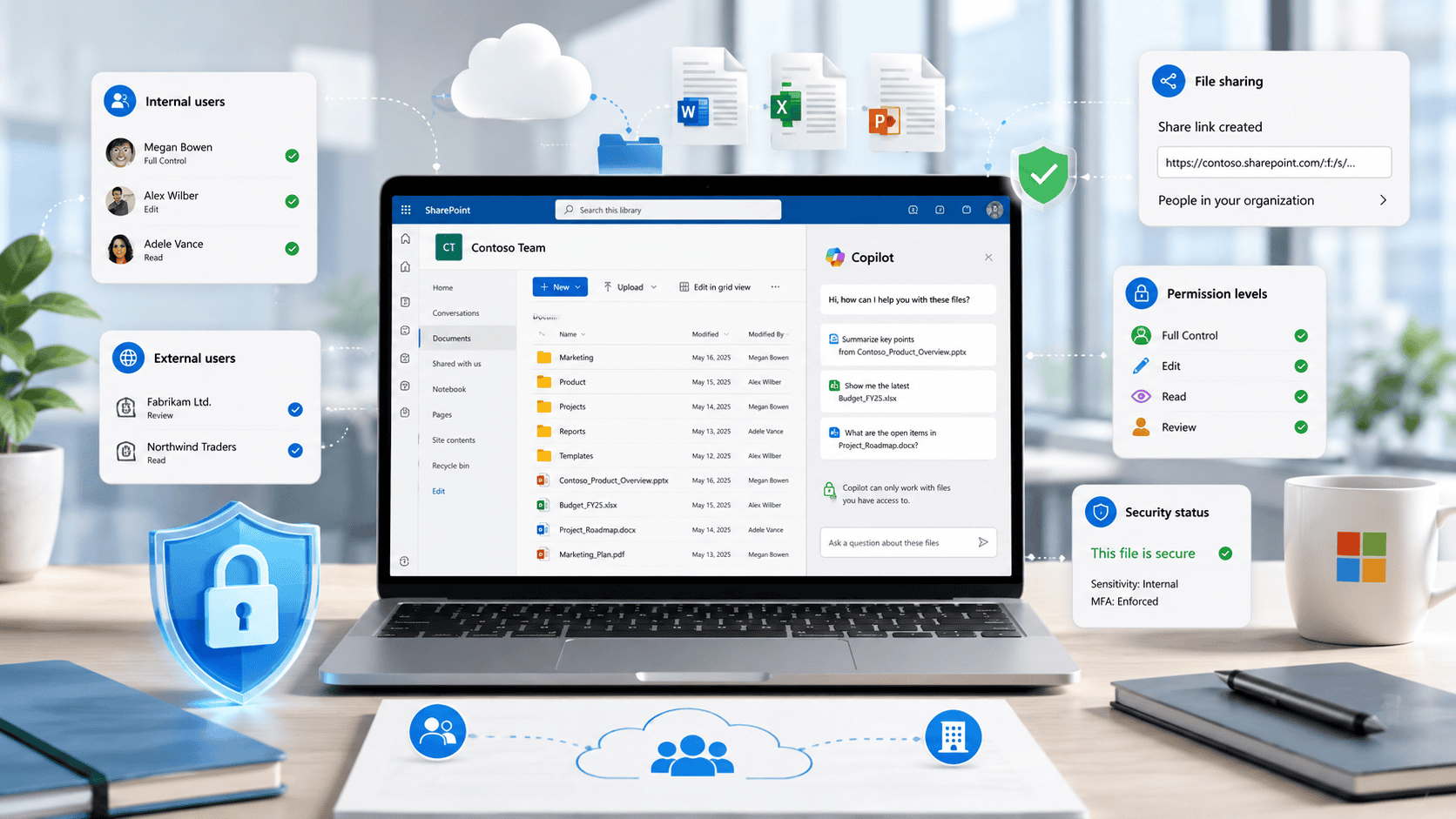
Copilot in SharePoint: Why File Permissions Matter
Copilot in SharePoint can help users work with business content more easily, but it also makes file permissions, external sharing and old data more important than ever.
Need help with Microsoft 365?
Microsoft 365 is easier to manage when users, licences, security settings, backup and support are handled together. KES can help with day-to-day Microsoft 365 support, account issues, security checks and practical guidance for your business.