
Frequently Asked
We provide honest answers to your questions
Managed IT Support — Pricing FAQs
How do you price managed IT — per user or per device?
Mostly per user for simplicity; servers and shared devices are itemised if present.
What affects my monthly price the most?
Security level (EPP/EPDR/XDR), support model (pooled vs unlimited), device count, and any compliance needs.
Do you include Microsoft 365 licences?
Business includes Business Premium; Premium includes E3. Essentials excludes Microsoft 365 by default.
Is project work included?
No — migrations, rollouts, and major remediations are quoted and scheduled separately.
What counts as a “project” vs support?
Planned, non-break/fix changes (e.g., email migration, firewall refresh) = project.
Do you charge on-site fees?
Occasional on-site is included in Premium; otherwise travel/time may apply and will be agreed in advance.
Can you support third-party line-of-business apps?
We liaise with vendors and handle triage; deep vendor support contracts remain with you/the vendor.
Do you offer out-of-hours support?
Available as an add-on or included in specific agreements — tell us your requirements.
What’s your response time?
We publish target SLAs and monthly performance in your service report.
How do you handle joiners/leavers?
A standard workflow with approvals, identity setup, devices, and data access — all tracked in Autotask.
Where is my data stored?
In the relevant vendor’s regional data centres. We’ll discuss data-residency options during scoping.
How do you help with cyber-insurance questionnaires?
We map controls to insurer checklists and provide evidence (backup, MFA, patching, EDR reports).
Can we start on Essentials and upgrade later?
Yes — we’ll plan a pragmatic, staged roadmap to standardise over time.
What’s the minimum term?
Typically 12 months for managed services; projects can be one-off.
What happens if we’re not happy?
Clear service levels, monthly reviews, and a fair exit process for handover if needed.
We have simplified Service Plans for Clients - Providing Flexibility
Compare KES User Packs
| Feature / Service | Essentials | Business | Premium |
|---|---|---|---|
| Endpoint Protection | ✔️ Basic EPP | 🔒 WatchGuard EPDR | 🔒 WatchGuard EPDR |
| Firewall Protection | — | 🧱 Included | 🧱 Included |
| Microsoft 365 | — | ✔️ Included | ✔️ Included |
| Cloud Backup (M365) | — | ☁️ Included | ☁️ Included |
| Remote Monitoring | ✔️ Basic | ✔️ Advanced | ✔️ Proactive |
| Managed Updates | ✔️ | ✔️ | ✔️ |
| Remote Support | — | 🕑 20 mins/user | ♾️ Unlimited |
| Proactive IT Management | — | ⚙️ Basic | ⚙️ Advanced |
| Ideal For | Small teams | Growing businesses | High-demand users |
Featured Blogs

Small Business IT Budget: What to Include and How to Plan It
Summary: Your IT budget should include the technology you already use, the support required to maintain it, and the upgrades you expect to make during the year. It should also cover cybersecurity, backups, employee changes, planned projects, and a reserve for urgent...
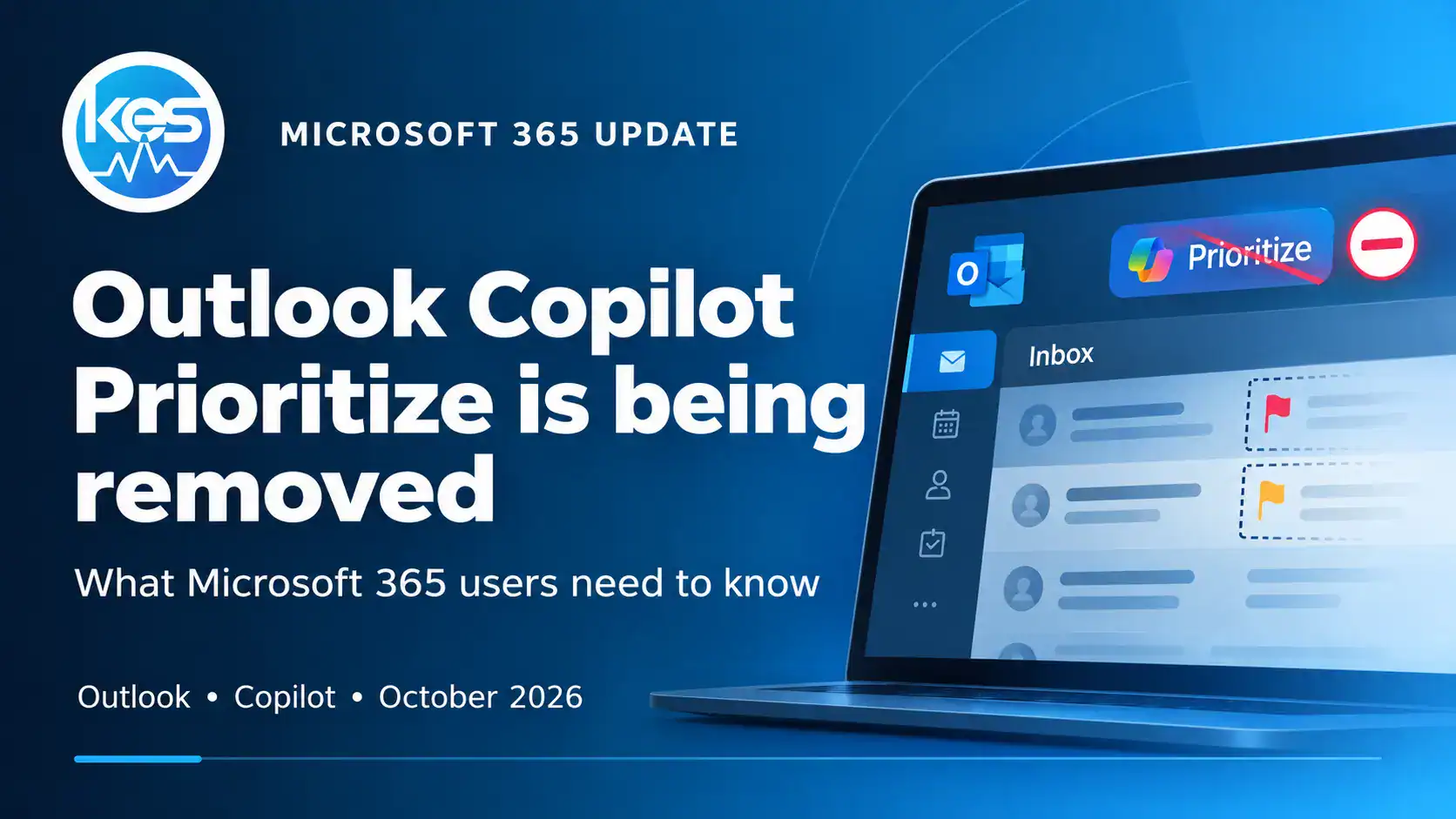
Microsoft Is Removing Copilot Prioritise from Outlook – What Happens Next?
Microsoft is retiring Copilot Prioritise in Outlook from 26 October 2026. Here’s what the feature did, when it disappears and what Microsoft 365 users should expect next.
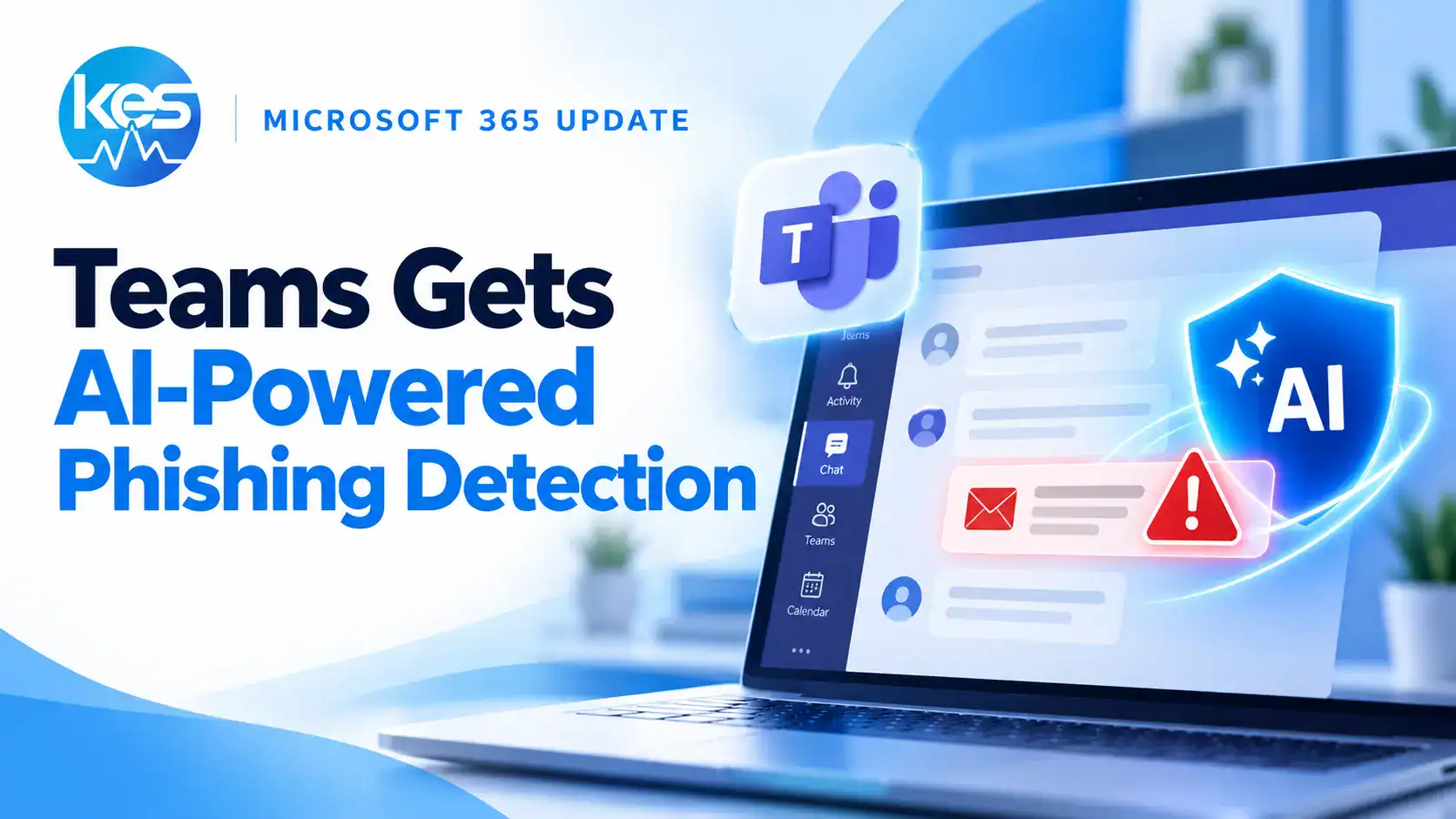
Microsoft Teams Is Getting AI-Powered Phishing Detection – Here’s What Users Will See
Microsoft Teams is adding AI-powered, context-aware phishing detection to warn users about suspicious external chats and social-engineering attempts. Here’s what users will see and what businesses should know.