

Small Business IT Budget: What to Include and How to Plan It
Summary: Your IT budget should include the technology you already use, the support required to maintain it, and the upgrades you expect to make during the year. It should also cover cybersecurity, backups, employee changes, planned projects, and a reserve for urgent...
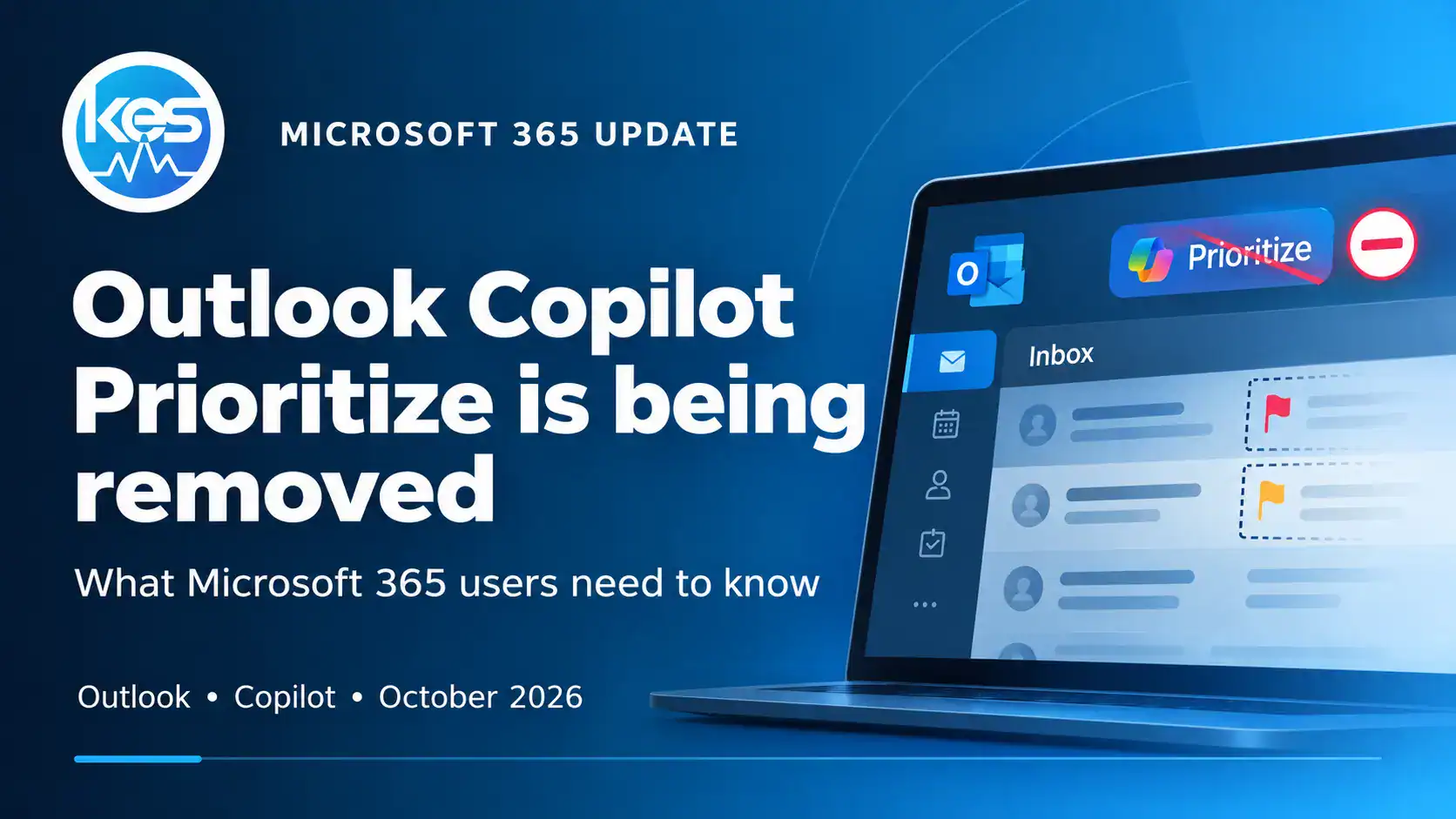
Microsoft Is Removing Copilot Prioritise from Outlook – What Happens Next?
Microsoft is retiring Copilot Prioritise in Outlook from 26 October 2026. Here’s what the feature did, when it disappears and what Microsoft 365 users should expect next.
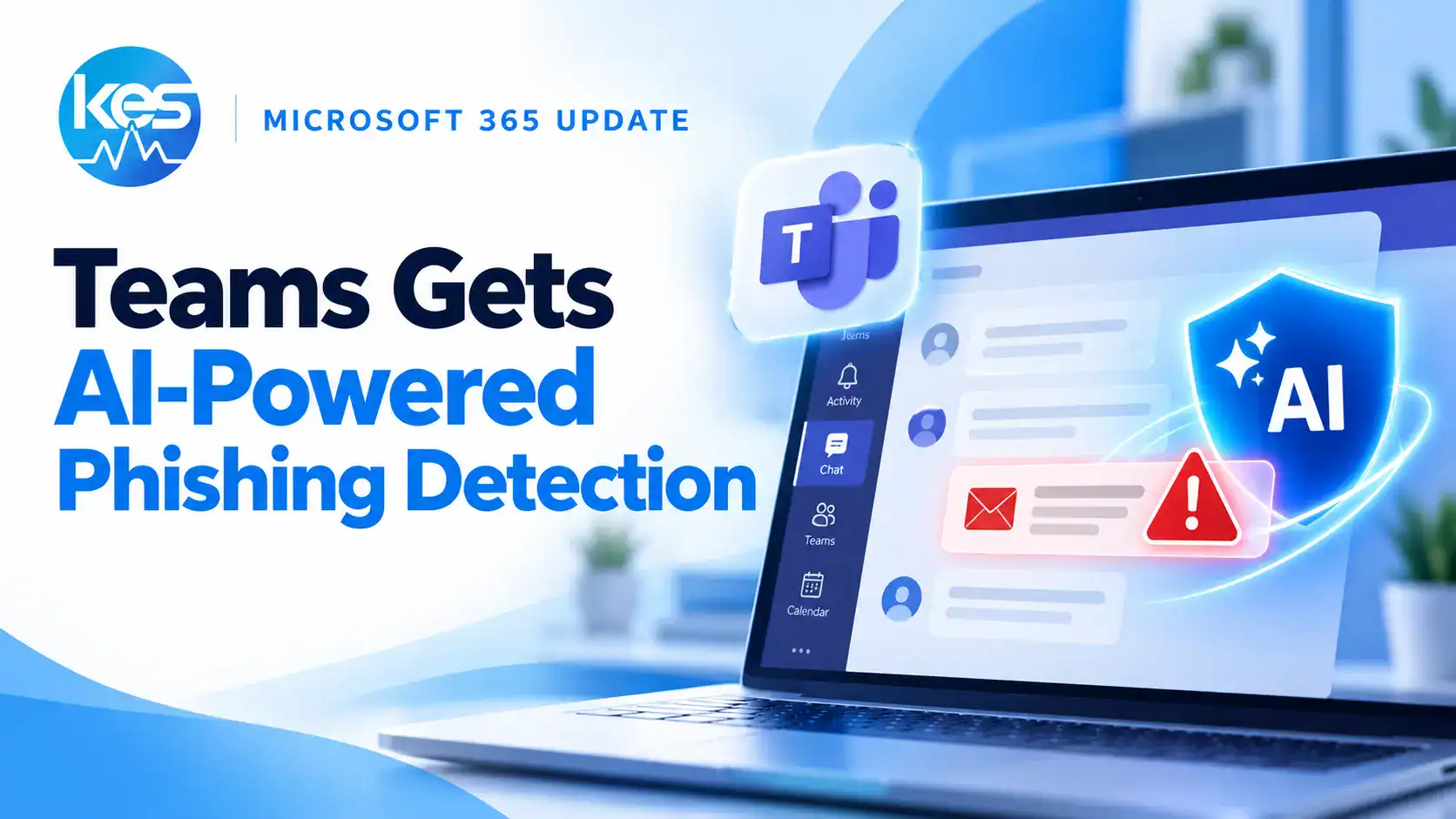
Microsoft Teams Is Getting AI-Powered Phishing Detection – Here’s What Users Will See
Microsoft Teams is adding AI-powered, context-aware phishing detection to warn users about suspicious external chats and social-engineering attempts. Here’s what users will see and what businesses should know.
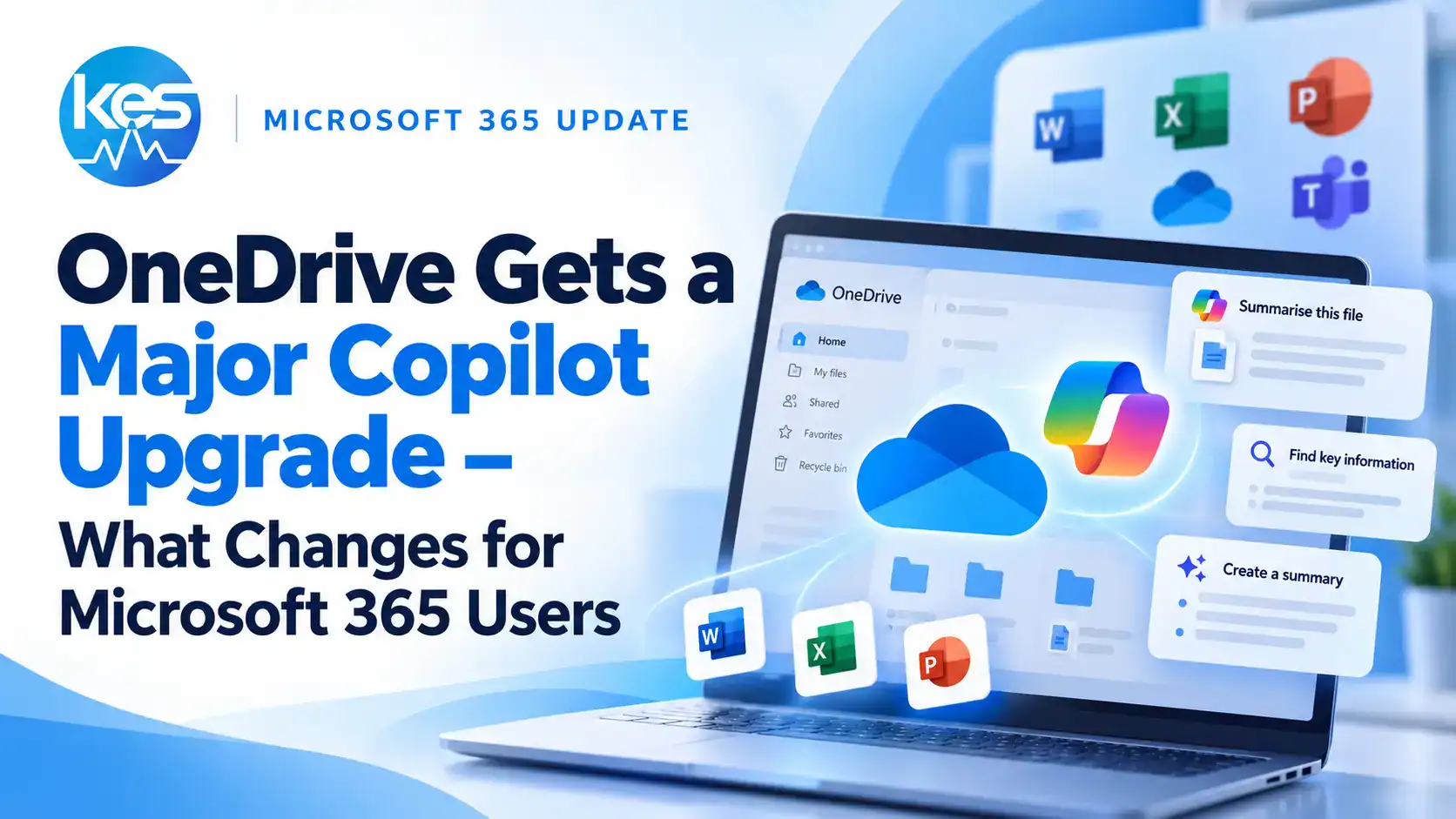
OneDrive Gets a Major Copilot Upgrade – What Changes for Microsoft 365 Users
Microsoft has announced a major OneDrive update with deeper Copilot integration, AI agents, simpler sharing and smarter ways to work with files. Here’s what Microsoft 365 users need to know.
Microsoft Says AI Agents Are the New Insider Risk – What Businesses Need to Know
Microsoft says AI agents should be treated as insider risks, with their own identities, least-privilege permissions and continuous monitoring. Here’s what this means for businesses.

Critical PHP Security Update: What Business Website Owners Should Check Now
Updated 23 October 2026: PHP has confirmed CVE-2026-109618 and CVE-2026-109619 can allow unauthenticated remote code execution. Fixed releases are now available and businesses should update immediately.
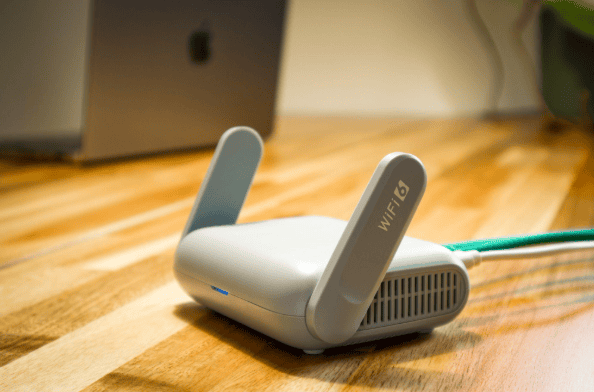
Why Guest Wi-Fi Should Be Separate From Your Business Network
Summary: Guest Wi-Fi should provide internet access while blocking connections to your internal business network. A different Wi-Fi name and password do not confirm that the networks are separated. The router, access points, and firewall must also be configured to...

Why Has Exchange Server Email Stopped Working After the October Windows Update?
Microsoft has confirmed that October 2026 Windows Server updates can make on-premises Exchange Server unstable, affecting OWA access and mail flow. Here’s what businesses should check.
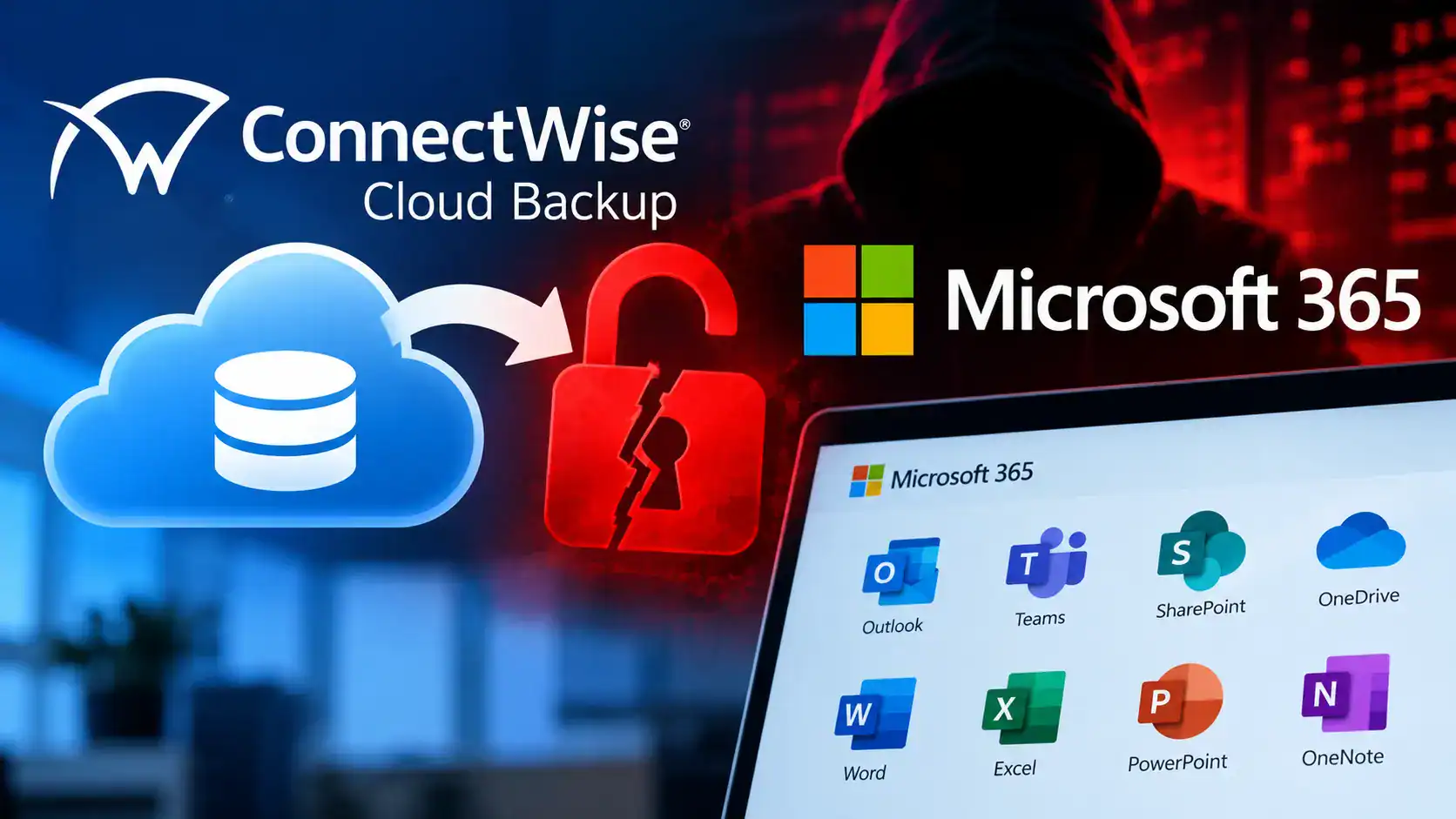
ConnectWise Cloud Backup Breach: What Microsoft 365 Businesses Should Check Now
ConnectWise has suspended Cloud Backup after unauthorised access to application identities was used against Microsoft 365 tenants. Here’s what businesses and IT teams should check now.

What Happens to Your Data When You Cancel a Cloud Service?
Summary: Before canceling a cloud service, export your data and confirm that the files can be opened or imported. Move any connected applications and sign-ins, then check the provider’s current rules for access, billing, retention, and deletion.A cloud service may...

Why Has Remote Desktop Stopped Working After the Latest Windows Update?
Microsoft has confirmed that recent Windows updates can cause Remote Desktop connections to fail for non-admin users when Administrator protection is enabled. Here’s what businesses should check.
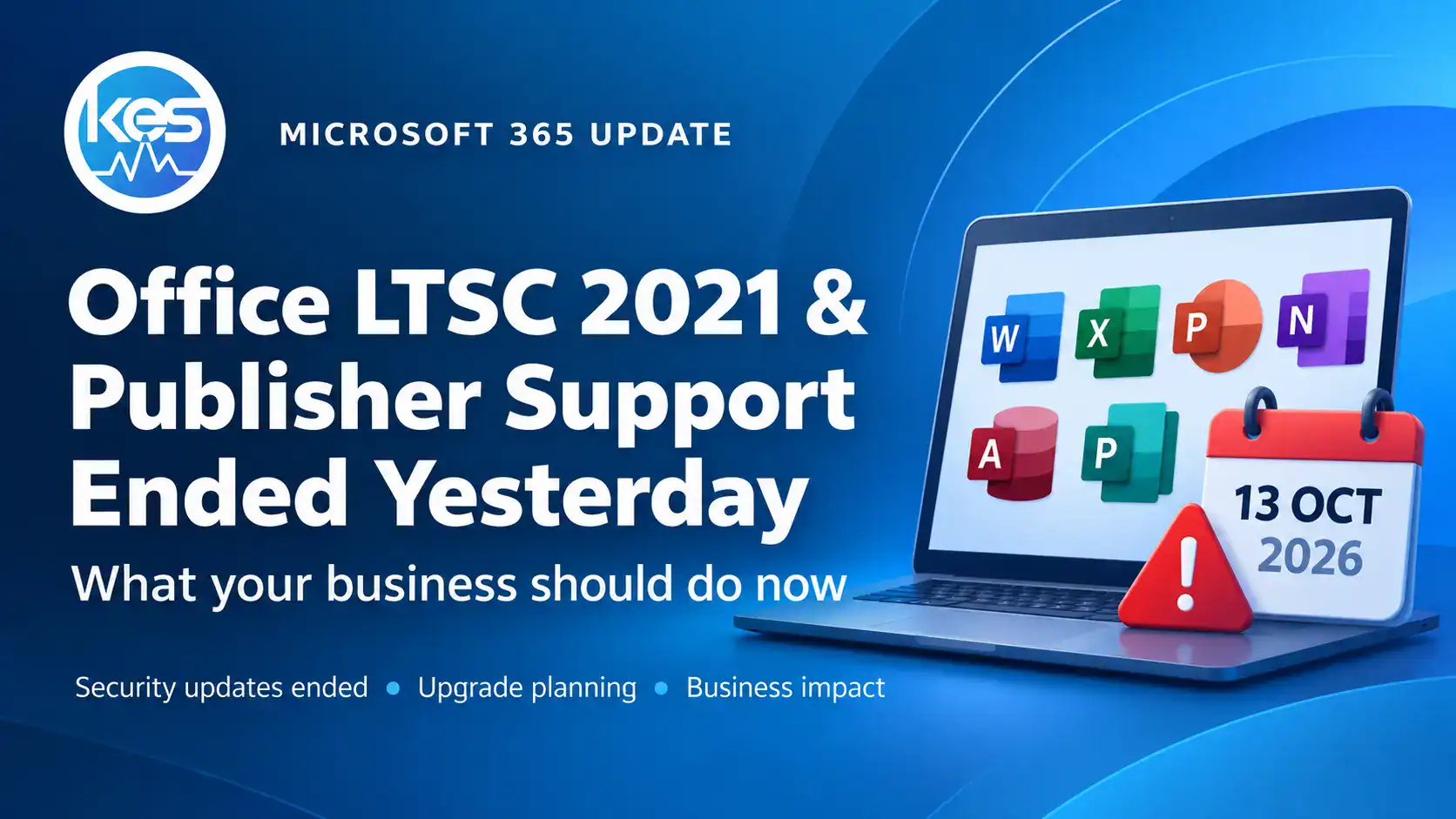
Office LTSC 2021 and Publisher Reached End of Support Yesterday – What Your Business Should Do
Office LTSC 2021 and Microsoft Publisher reach end of support on 13 October 2026. Here is what UK businesses still running them should do next.
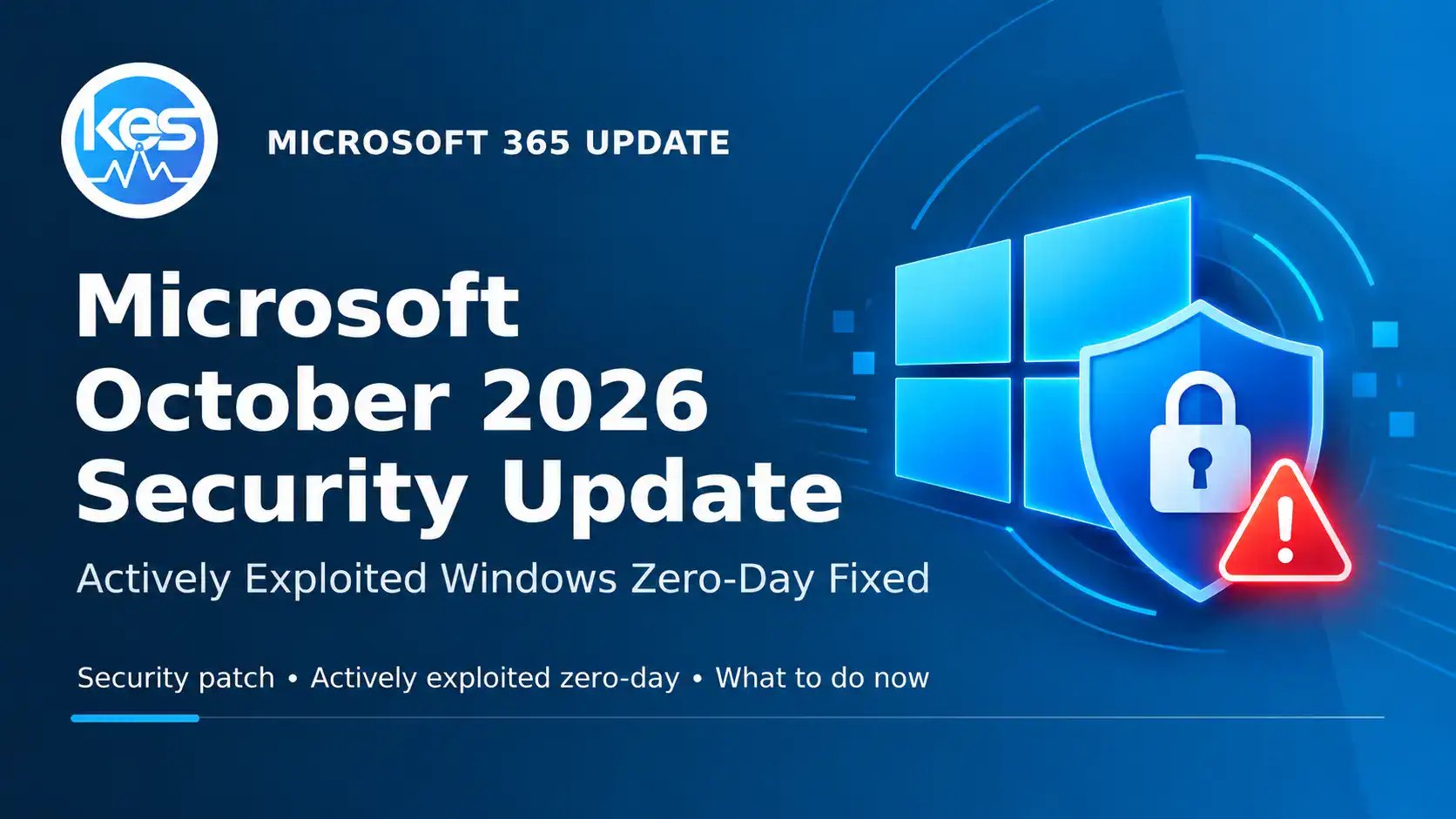
Microsoft October 2026 Security Update Fixes Actively Exploited Windows Zero-Day
Microsoft’s October 2026 security update fixes an actively exploited Windows Shell zero-day and two other publicly disclosed zero-days. Here’s what businesses should do now.

Microsoft Is Retiring Targeted Release – What Replaces It in 2027?
Microsoft is retiring Targeted Release in January 2027, with enrolment changes stopping in November 2026. Here’s what replaces it and what businesses should check.

Should Employees Use Personal Devices for Work?
Summary: Allow personal devices only for approved work, through approved apps, and when the device meets your security requirements. Use company-owned devices for administration, sensitive work, or jobs that require large amounts of data to be stored locally.Employees...
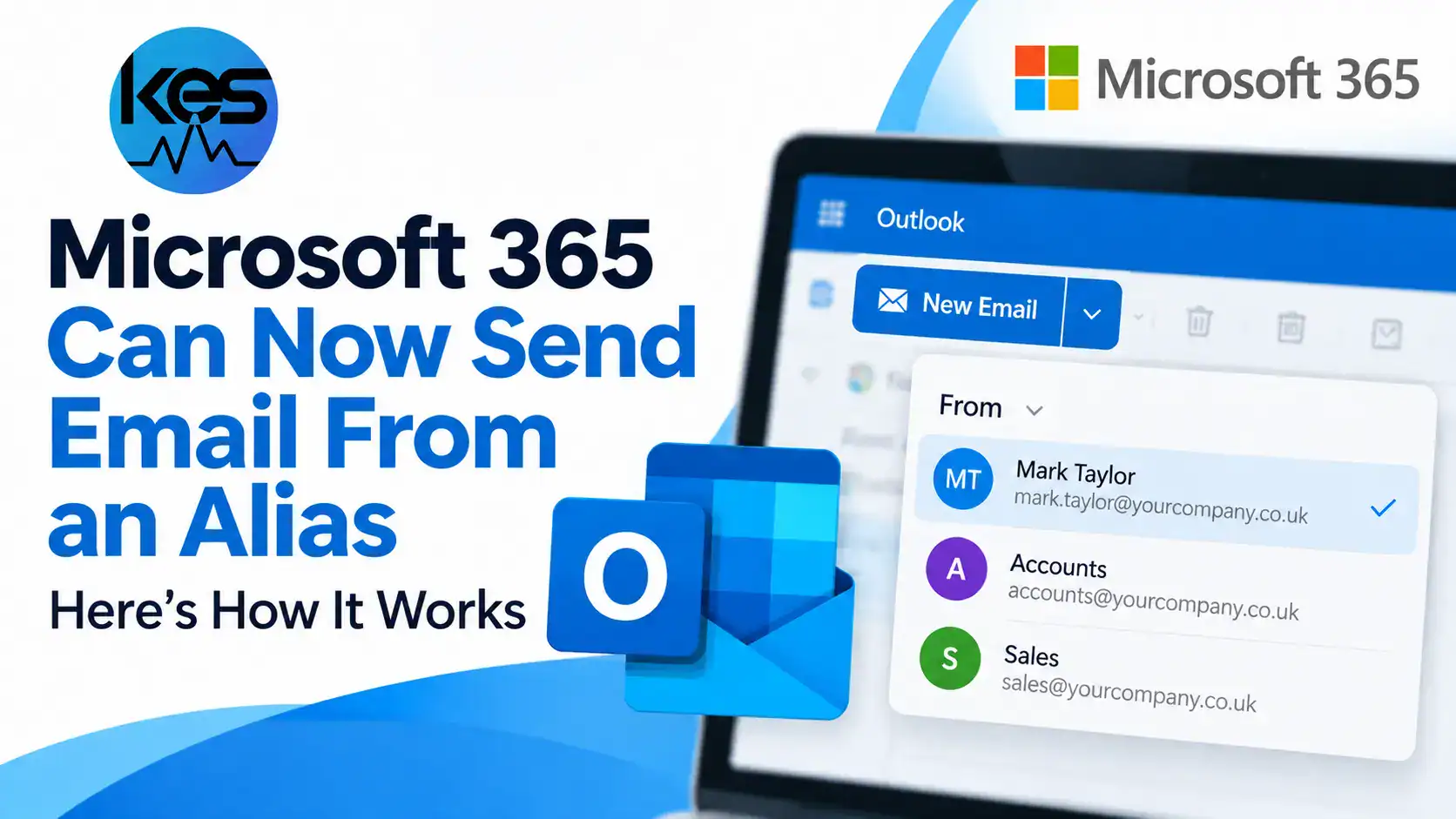
Microsoft 365 Can Now Send Email From an Alias – Here’s How It Works
Microsoft 365 users can now send from email aliases in Exchange Online. Here’s how it works, what administrators must enable and what businesses should check.
SharePoint Can Now Split and Merge PDFs with Copilot
Copilot can now reorganise PDFs in SharePoint. Learn what is new, which licence is needed and how this differs from existing Merge and Extract options.

Windows 11 Automatic Settings Backup: Are Files Protected?
Windows 11 26H2 enables settings backup by default on eligible business PCs. Here is what it protects, what it leaves out and what to check.
Windows 11 26H2 Is Available: Should Your Business Upgrade Now?
Microsoft has started the Windows 11 26H2 rollout. Here is who can receive it, why some PCs must wait and how businesses can plan a controlled upgrade.

The 30-Minute IT Check Every Small Business Should Do Once a Month
Summary: Most IT problems don't appear out of nowhere. Backups quietly stop running, updates sit unfinished for weeks, and old staff accounts stay switched on for months. A short check once a month catches these while they're still cheap to fix. This post covers the...

Windows 11 Black Screen After Sign-In: Microsoft Confirms Virtual Desktop Issue
Microsoft has confirmed a Windows 11 desktop-loading issue, mainly seen on Azure Virtual Desktop. Here is what users and IT teams should check.

WordPress 7.1.2 Fixes Actively Exploited Security Flaw
WordPress 7.1.2 fixes a critical core vulnerability now being actively exploited. Here is what UK businesses and website owners should check today.
How to Keep Your Business Running When Microsoft 365 Goes Down
Summary: The tools that run your business, like Microsoft 365, your accounting app, or your booking system, are reliable most of the time, but they do go down. When one does, work can stop for hours, and you often can't do anything but wait for the provider to fix it....

Excel Copy and Paste Not Working After September Update
Microsoft has confirmed that September 2026 Office updates can make Excel copy and paste fail silently. Here is what affected businesses should check.

OneDrive or SharePoint? Where Your Business Files Should Live
Summary: If your business uses Microsoft 365, you have both OneDrive and SharePoint, and files usually end up scattered across them with no clear rule. OneDrive is for your own work, and SharePoint is for files the team shares. Getting this right makes files easier to...
Windows 11 September Update Can Stop File History Backups
Microsoft has confirmed that the September 2026 Windows 11 update can stop File History backups working. Here is what businesses should check.

Microsoft 365 Copilot Business Pay-As-You-Go Billing
From 2 November 2026, new CSP purchases of Microsoft 365 Copilot Business will include usage-based billing by default. Here is what UK SMEs should check.

Outlook Attachments Blocked by Conditional Access
Microsoft is applying existing Conditional Access policies directly to Outlook attachment actions. Here is why files may be blocked and what businesses should check.
Office 2021 Support Ends October 2026: What to Do
Office 2021, Office LTSC 2021, Project LTSC 2021 and Visio LTSC 2021 lose Microsoft support on 13 October 2026. Here is what UK businesses should do.
Is Your Business Website a Security Risk?
Summary: Most small-business websites run on WordPress, and the biggest risk is usually old plugins that nobody has updated. Attackers scan the web for these known weak spots and use the sites they find to spread malware, post spam, or steal what visitors type into...
Can You Delay Every Email in New Outlook?
New Outlook can schedule individual emails, but it cannot replicate Classic Outlook’s automatic delay rule for every message. Here is what businesses need to know.

ScreenConnect CVE-2026-84869: Update to Version 26.6.5 Now
ConnectWise ScreenConnect versions before 26.6.5 contain an actively exploited remote-access vulnerability. Here is what IT providers and UK businesses should check now.

Microsoft September Update Fixes Two Exploited Zero-Days
Microsoft’s September 2026 security update fixes two vulnerabilities already being exploited. Here is what UK businesses should check and do now.

Why You Should Scroll Past the First Result on Google
Summary: Scammers buy ads on Google and other search engines using the names of trusted brands and software, so their fake site shows up at the very top, above the real one. Click it and you can land on a fake page that steals your login or installs malware. You can...
Microsoft Warns of Passkey Phishing Targeting Microsoft 365 Users
Microsoft is tracking attacks that use fake passkey and MFA support calls to compromise Microsoft 365 accounts, add attacker-controlled authentication methods and steal cloud data.

SharePoint and OneDrive Now Support Markdown Files: What Businesses Need to Know
Microsoft has introduced native Markdown support in SharePoint and OneDrive, allowing users to view and edit .md files directly in Microsoft 365. Here is what it means for business documentation, collaboration and file management.

Chrome and Edge Zero-Day CVE-2026-85046: Update Now
Google and Microsoft have patched an actively exploited Chrome and Edge zero-day. Businesses should check browser versions and restart devices after updating.

How to Spot a Scam Email Now That They Look Real
Summary: Scammers now use AI to write their phishing emails, so the spelling and grammar mistakes that used to give them away are gone. The UK's National Cyber Security Centre and the FBI both warn that AI makes these messages cleaner, more personal, and harder to...
How Phishing Emails Use Invisible Characters to Evade Filters
Microsoft has uncovered a high-volume phishing campaign that hid invisible Unicode characters inside finance-related words. Here is what businesses should know.
Fake IT Support on Microsoft Teams: How to Spot the New Remote Access Scam
Microsoft has warned about attackers posing as IT support in Teams and persuading users to hand over remote access. Here is how to spot the scam and what businesses should do.

Microsoft Is Retiring Classic SharePoint Pages: What Businesses Need to Do
Microsoft is beginning a phased retirement of classic SharePoint pages and publishing sites. Here are the 2027 and 2028 deadlines and what businesses should check now.

Why Won’t Teams or Outlook Open on a Surface Pro or Laptop?
Microsoft has confirmed that a Windows update can stop Teams and new Outlook opening on some Arm-based PCs. Here is the workaround for affected Surface devices.
Why Have Text Predictions Disappeared from Word and Outlook?
Microsoft is turning text predictions off by default in selected Word and Outlook versions. Here’s what is changing and how users can switch suggestions back on.
19 Malicious Chrome and Edge Extensions: What to Check Now
Security researchers found 19 malicious Chrome and Edge extensions capable of stealing passwords, browser history and account data. Check the full list and what to do if one was installed.

What to Do in Case of a Cyberattack (Step by Step)
Article Summary: If your business is hit by a cyberattack, the first hour matters. Disconnect the affected devices from the network instead of powering them off, call your IT provider by phone, and leave the evidence in place. If money was wired to a scammer, call...

Windows 11 24H2 Support Ends in October 2026: What Businesses Need to Do
Windows 11 24H2 Home and Pro stop receiving security updates in October 2026. Here is how to check your version and plan the move to 25H2.
PaperCut Emergency Patch: What Businesses Need to Do Now
PaperCut NG and MF are being actively exploited, and the first emergency fix was not enough. Here is what businesses should check and why Release 2 matters.

Will Outlook Stop Working on Old iPhones in September 2026?
Microsoft is raising Outlook for iPhone and iPad’s minimum requirement to iOS 26. Here’s which older devices are affected and what businesses should do before September 2026.

Microsoft Planner Is Adding Task Completion Percentages
Microsoft Planner is adding a Completion (%) field so teams can show more precise task progress. Here’s what Microsoft has confirmed for October 2026.

Will Microsoft 365 Shared Calendars Stop Working in October?
Cross-organisation calendar availability, shared calendars and MailTips may stop working as Microsoft retires EWS. Here’s what businesses should check before October 2026.