
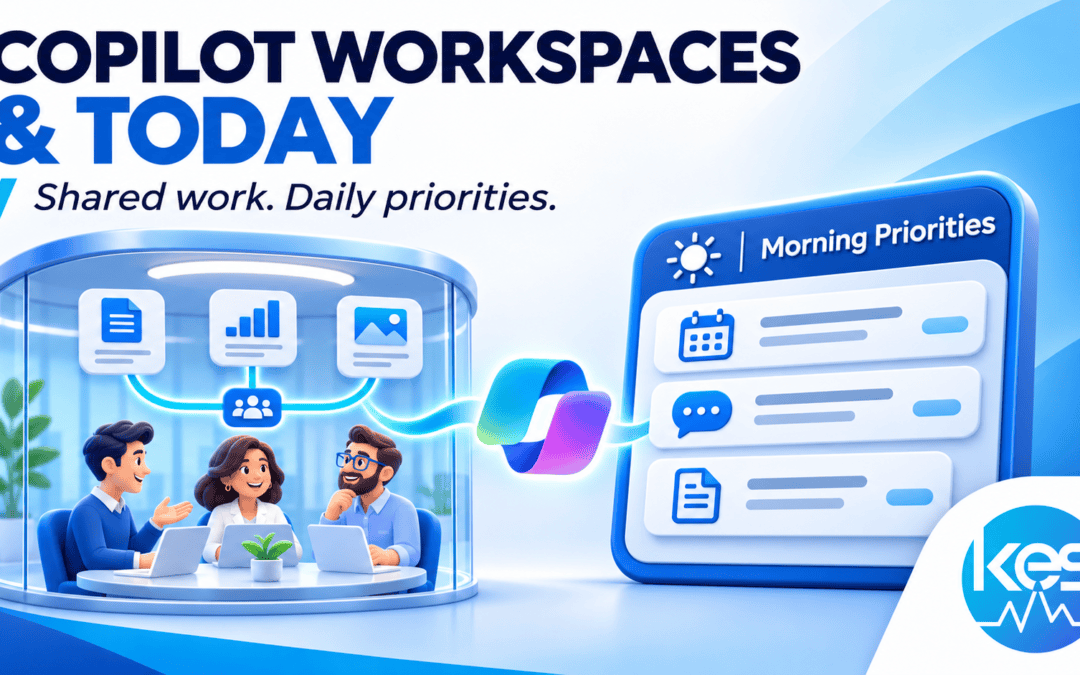
Microsoft Copilot Workspaces and Today aim to make project catch-ups and daily planning easier. Workspaces brings a team’s shared work into Copilot, while Today highlights priorities and prepares next steps for review. Workspaces is available through Frontier; Today is in private preview. Businesses should check access, information sharing and usage costs before planning a rollout.
Updated 24 November 2026. This guide covers shared Copilot workspaces and daily briefings, with preview access and costs checked against Microsoft's announcements.
What is Microsoft Copilot Workspaces?
Copilot Workspaces is a shared area in the Microsoft Copilot app, evolving from Copilot Notebooks. According to Microsoft’s Ignite Book of News, it helps colleagues work on shared documents and identify changes, unresolved questions and actions. Microsoft lists personal Autopilot integration as coming soon.
For a small business, a sensible pilot might be a customer onboarding project or a supplier review. Keep the relevant documents together, agree who owns the work and ask participants to check whether Copilot’s catch-up accurately reflects decisions. These are suggested pilot scenarios, rather than results from a KES product test.
What does Today do in Copilot and Outlook?
Today brings together work signals to help a person see what needs attention and review prepared next steps. In Microsoft’s 17 November Copilot announcement, examples include draft replies, proposed schedule changes and follow-ups. Microsoft says Today is in private preview in Copilot and Outlook.
The practical opportunity is a quicker start to the day. A suggested reply still needs someone to check its facts, recipient and tone. A proposed schedule change needs to fit the real commitments of the people involved. Businesses should decide who reviews these suggestions before they become part of a normal workflow.
How do Workspaces, Today Brief and Today Feed differ?
Workspaces centres on shared project context. Today Brief gives an individual a morning overview, while Today Feed refreshes priorities during the day. Microsoft distinguishes their charging: the Brief is included with a Microsoft 365 Copilot licence, and recurring Feed updates require Copilot credits. Preview access remains a separate consideration from licence entitlement.
| Question | Workspaces | Today Brief | Today Feed |
|---|---|---|---|
| Main purpose | Shared project context | Morning priorities | Updated priorities during the day |
| Announced access | Frontier | Today private preview | Today private preview |
| Cost point to check | Confirm tenant entitlement | Included with Microsoft 365 Copilot licence | Requires Copilot credits |
Can every Microsoft 365 business use these features now?
Businesses should treat this as an early-access announcement. Workspaces is offered through Frontier, and Today remains a private preview. An announcement does not establish that a particular tenant or user has access. Ask your Microsoft 365 administrator to confirm eligibility and the available controls before promising either experience to staff.
This follows the wider changes covered in our guide to Copilot Home, Code and Autopilot. Our explanation of Microsoft Frontier previews provides further background on planning early feature trials.
What should businesses check before trying Workspaces and Today?
Start with a defined task, an owner and a small group of users. The most useful preparation is to understand the information involved, the people who should see it and the decisions that need approval. Test the quality of the output alongside the time spent correcting it, rather than counting generated summaries alone.
- Choose a bounded workflow. Pick a project with clear documents, milestones and a named person responsible for its outcome.
- Review information sharing. Check project membership, shared links and sensitive material before adding more AI-assisted ways to find and summarise work.
- Set review rules. Agree who checks draft messages, changed priorities and proposed actions. Keep a route for correcting misleading summaries.
- Confirm licence and credit costs. Record what the trial includes and who monitors consumption. Do not assume a paid licence covers every recurring feature.
- Measure useful outcomes. Compare catch-up time, missed actions and correction effort over a short pilot before expanding access.
Our Copilot Business pay-as-you-go billing guide explains why fixed subscriptions and usage charges need separate attention. For this pilot, ask the administrator which spending controls apply to the particular capabilities enabled.
How can KES help your business prepare?
KES can help Kent businesses review Microsoft 365 licensing, access and information sharing before adopting new Copilot experiences. Start with the business task and the information it needs, then decide whether an early-access trial is appropriate. Contact KES about Microsoft 365 and Copilot to discuss a practical next step.
Frequently asked questions
Is Workspaces replacing Microsoft Teams?
Microsoft describes Workspaces as a shared Copilot experience. The announcement does not establish a retirement of Teams; businesses should continue using their existing collaboration tools while assessing the new experience.
Does Today send messages without review?
Microsoft describes Today as preparing work for users to review and approve. Treat suggested messages and schedule changes as items to check before acting.
Is Today Feed included at no extra usage cost?
Microsoft says recurring Today Feed updates require Copilot credits. Confirm the applicable consumption terms and controls before enabling a pilot.
When will everyone receive Workspaces and Today?
The cited announcements do not give a general availability date for either experience. Check Microsoft’s current rollout information and your tenant’s eligibility before setting an adoption date.
Sources and availability
Sources checked on 24 November 2026: Microsoft Ignite 2026 Book of News and Microsoft’s Copilot at Ignite announcement. Preview features and commercial terms may change. This article is based on the announcements, rather than hands-on testing of the private preview.
