
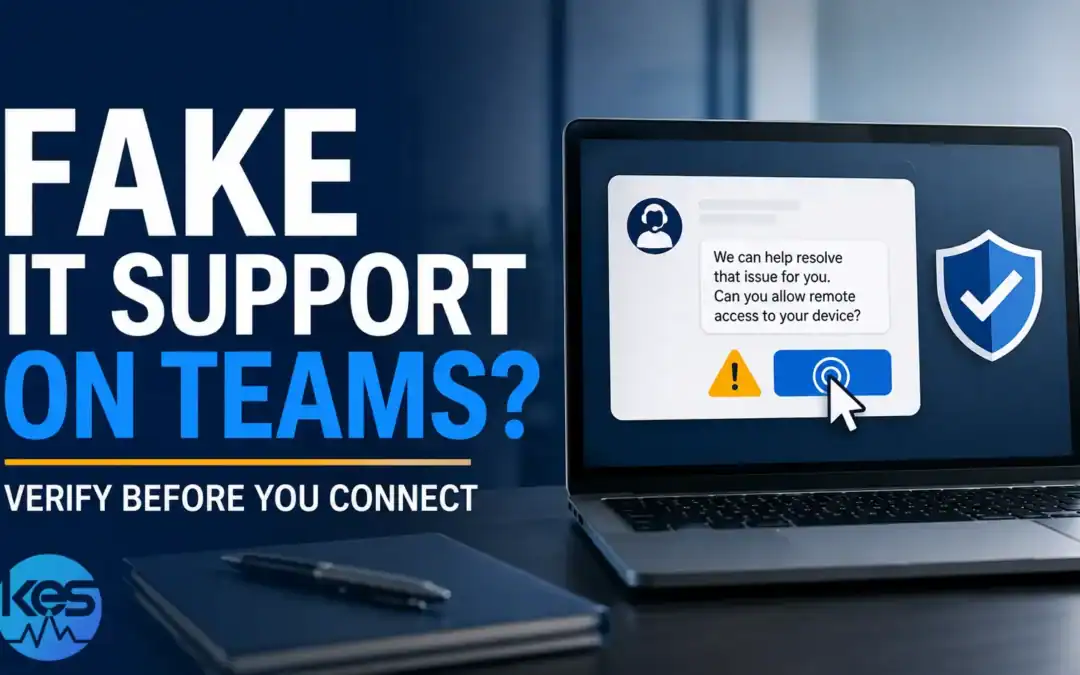
Microsoft has warned that cybercriminals are posing as IT support staff in Microsoft Teams and then persuading employees to give them remote access to their computers. The attacks combine convincing Teams messages or calls with legitimate remote-support software, making them particularly easy to mistake for a genuine helpdesk request.
For a small business, the key defence is simple: do not accept an unexpected remote-support request just because it appears inside Microsoft Teams. Verify the person through your normal IT support contact details before allowing access.
How does the fake IT support scam work?
The attacker first establishes contact while pretending to be an internal helpdesk or IT provider. Microsoft says recent campaigns have used Teams as part of the social-engineering chain, often after flooding the target with unwanted email or creating another problem that makes an offer of technical help seem plausible.
The victim is then encouraged to start a remote-support session or follow instructions that give the attacker control of the Windows computer. Because tools such as Microsoft Quick Assist are legitimate, their appearance on screen does not prove the person requesting access is genuine.
Once connected, an attacker can attempt to steal credentials, deploy malware, access business data or establish further persistence in the environment.
Why are Microsoft Teams attacks convincing?
Teams is a trusted business application. Staff are accustomed to colleagues, suppliers and IT support communicating through it, so an unexpected message can feel more credible than an obvious phishing email.
The attack also exploits a normal business situation: someone appears to have a computer problem and an apparently helpful technician offers to fix it. If the attacker has deliberately generated nuisance emails or other disruption first, the timing of that offer can make the story especially convincing.
This is why the channel should never be treated as proof of identity. A Teams profile, display name or call is not enough on its own to establish that someone really works for your IT provider.
What should staff look out for?
- An unexpected Teams message or call claiming to be from IT support.
- A technician contacting you when you did not raise a support request.
- Requests to open Quick Assist or install another remote-access tool.
- Instructions to enter a security code supplied by the caller.
- Pressure to act immediately because the computer or Microsoft 365 account is supposedly at risk.
- A request to ignore your company's normal support process.
- Someone asking you to approve authentication prompts, reveal passwords or provide verification codes while they are connected.
None of these automatically proves an attack, but an unsolicited combination of Teams contact and remote-access instructions should be treated as suspicious.
Microsoft 365 guidance
Could a fake support request expose weaknesses in your Microsoft 365 setup?
Concerned about your Microsoft 365 security or configuration? Talk to KES about your current setup and the areas you would like help with. We will discuss your requirements and recommend an appropriate next step.
Prefer a quick starting point? Complete the free Microsoft 365 Security Assessment →
Already allowed an unexpected caller to connect? Disconnect the computer from the network, then contact KES using trusted details or call 01622 721000.
What should a business do to reduce the risk?
- Give staff a clear support process. Employees should know exactly how genuine IT support will contact them and where to verify an unexpected request.
- Require verification before remote access. If the user did not raise the ticket, they should independently contact the IT provider using a saved telephone number or known support portal.
- Protect Microsoft 365 accounts with strong MFA. This reduces the value of stolen passwords, although users must also be taught not to approve unexpected authentication prompts.
- Use managed endpoint protection and monitoring. Security controls can help detect malicious activity after an attacker attempts to execute tools or establish persistence.
- Review external Teams communication. Businesses should understand who can contact their users and whether their Teams configuration reflects their actual collaboration requirements.
- Train users around real attack techniques. Security awareness is more effective when staff recognise scenarios they may genuinely encounter rather than generic warnings about suspicious emails.
These controls fit alongside the wider measures in our guide to cyber security endpoint protection and our Microsoft 365 security review.
What if you already gave someone remote access?
Disconnect the affected computer from the network and contact your IT provider by telephone using a known number. Do not continue following instructions from the person who contacted you, and do not delete evidence or start cleaning the computer yourself.
Your IT provider may need to review the endpoint, Microsoft 365 sign-ins, authentication methods and other activity before deciding whether credentials must be reset or the device rebuilt. If you believe an attacker has already accessed the machine, follow the incident steps in our guide on what to do in case of a cyberattack.
Does using Quick Assist mean the request is genuine?
No. Microsoft Quick Assist is a legitimate Windows support tool, but criminals can abuse legitimate software. The important question is not whether the remote-access program is genuine; it is whether the person asking you to use it has been independently verified.
Can attackers contact employees through Microsoft Teams?
Yes. Microsoft has documented social-engineering campaigns in which attackers impersonate technical support and use Teams as part of the contact and remote-access process.
Should staff refuse all remote IT support?
No. Remote support is a normal and useful part of managed IT. Staff should verify unexpected requests through an established support channel before granting access.
Why this matters to UK SMEs
Small businesses often rely heavily on Microsoft 365 and remote IT support, which makes this type of impersonation particularly relevant. An attacker does not need to defeat every technical security control if an employee can be persuaded to invite them onto the computer.
The practical lesson is not to distrust Teams or remote support. It is to separate the method of contact from proof of identity. If someone unexpectedly claims to be IT support, verify them using a channel you already trust before doing anything on the computer.
Sources
- Microsoft Security Blog: When help becomes harm — how attackers use Microsoft Teams for social engineering.
- Microsoft Learn: Quick Assist.
Attack techniques change over time. Businesses should use Microsoft's current security guidance and their IT provider's established support procedures when assessing unexpected remote-support requests.
