
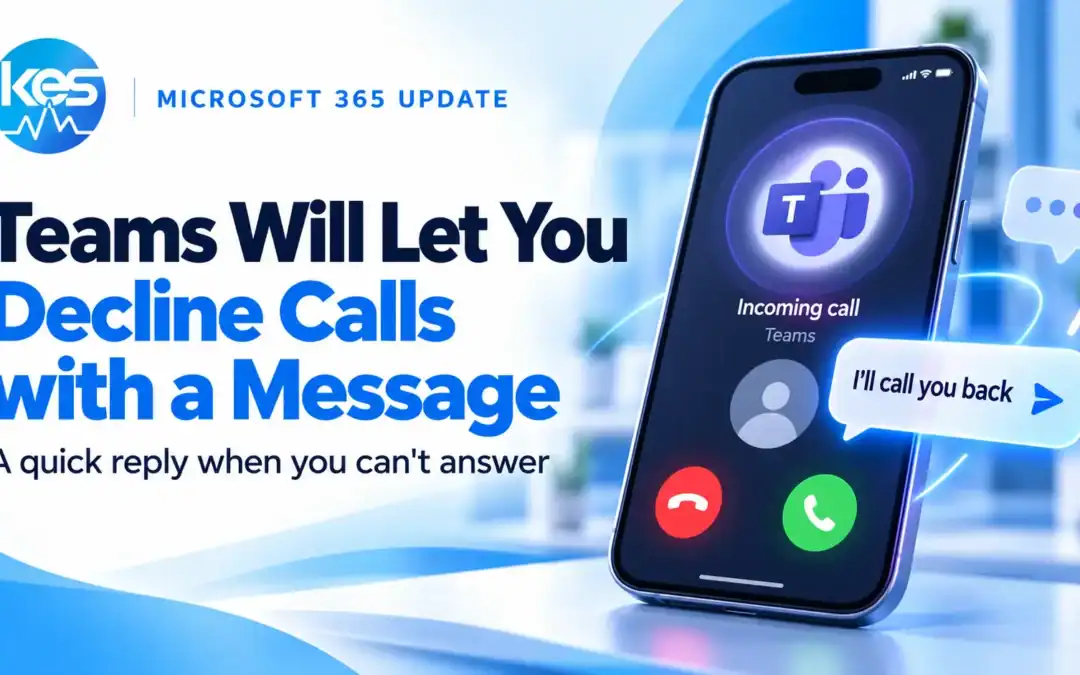
You will soon be able to decline Teams calls with a quick message on iPhone and Android. Microsoft currently plans to begin rolling out the feature in December 2026. For people who cannot pick up, it should make it easier to acknowledge the caller without answering or opening a separate chat.
What will change when a Teams call comes in?
The planned option will let you choose a predefined reply from the incoming call screen. Microsoft gives examples of messages that explain you are unavailable or will call back. The call is declined and the caller receives some context at the same time.
That could be useful when you are with a customer, already in a conversation or between appointments. A short acknowledgement can help a colleague understand that you have seen their call and intend to respond.
When will the Teams quick-reply option arrive?
Microsoft added roadmap item 577176 on 27 October 2026. As checked on 28 October, it is marked in development, with a rollout start of December 2026.
The listing covers Android and iOS in the worldwide standard multi-tenant cloud. That is a planned rollout window, so it should not be treated as a promise that every user will have it on 1 December. Roadmap dates can change.
Can you use it today?
This announcement is about a forthcoming feature. Microsoft's current guidance for answering Teams calls explains the existing answer and decline controls; it does not provide instructions for this new message option.
For now, if you need to explain why you missed a call, send the person a Teams chat message separately. If interruptions are the bigger issue, see our guide to pausing Teams notifications.
What does this mean for your working day?
The practical benefit is a smaller interruption. Instead of dismissing a call and then finding the conversation to type a reply, you will have a way to acknowledge it from the call screen.
Teams should still be one part of an agreed way of working. If something is urgent, colleagues need to know how to flag it. If it can wait, a quick reply can help set expectations without pulling someone away from the task in front of them.
Frequently asked questions
Will this work on Teams desktop?
This roadmap item lists Android and iOS. It does not announce the same change for desktop or the web.
Will you be able to write your own quick replies?
Microsoft describes predefined messages. The listing does not confirm whether you will be able to customise them.
Is the featured image a screenshot of the feature?
No. It is a KES illustration of the idea, rather than a confirmed view of the final Teams interface.
Need help getting more from Microsoft 365?
KES helps businesses make Microsoft 365 work for their teams. Explore our Business User Pack for support with your everyday business IT.
