
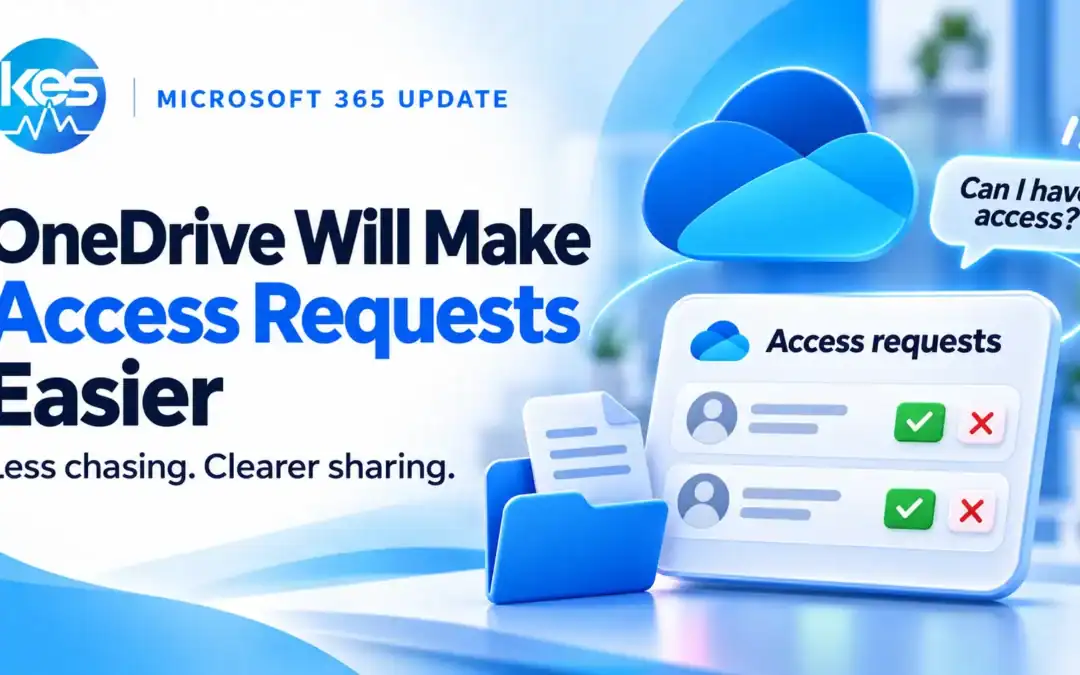
OneDrive access requests are set to become easier to manage. Microsoft plans to let people review and respond to requests directly in the Share dialog for a file, folder or library. The web update is currently in development, with rollout planned to start in January 2027. It should reduce the effort involved in helping colleagues get the access they need.
What is changing with OneDrive access requests?
People who can share an item will see its pending requests in the Share dialog. They will be able to choose the access level, approve or decline requests individually or in bulk, and message the requester before deciding. Requests for more access, such as editing a document someone can already view, will appear there too.
Microsoft describes the change in roadmap item 578856 as: Review and respond to access requests inside the Share dialog.
The entry covers OneDrive and SharePoint on the web.
When will the new sharing experience arrive?
Microsoft added the feature to its roadmap on 3 November 2026. It is marked in development, with rollout scheduled to start in January 2027. That is a planned start month, not a guarantee that every organisation will receive it on the same day.
The listing covers worldwide standard Microsoft 365 environments and US government clouds. It does not announce the same change for the desktop sync client or mobile apps. Details and dates can change before release.
How could this help during an ordinary working day?
Imagine a colleague receives a link to a proposal but cannot open it. Another can read it but needs to make changes. Bringing those requests alongside the item’s sharing controls should make it easier for the person responsible to review what each colleague needs, without losing track of the document being discussed.
That is the practical benefit of this announcement: a clearer place to make the decision. The request still needs a decision about who should see the information and what they should be able to do with it.
Should you approve view access or edit access?
Choose access to match the task. Someone checking a document may only need to view it; a colleague updating its contents may need to edit it. Before approving a request, confirm the person, the item and the reason for access. Be especially careful when the request concerns a whole folder rather than one document.
Microsoft’s current sharing guidance explains that editing permission on a folder can include changing, moving, renaming, sharing and deleting items the person can access. It is a wider permission than simply reading one file.
A useful review is:
- Who is asking? Check the account and organisation.
- What do they need? Decide whether viewing is enough.
- How much are you sharing? Check whether the request covers a file, folder or library.
- Is the purpose clear? Ask before approving if the request does not make sense.
The announced bulk controls could save time, but each request still deserves an appropriate check.
What can your business do before the update arrives?
Make sure staff know where shared work belongs and who can approve access. If colleagues regularly struggle to find the right person, or files are scattered across individual accounts, a new dialog alone will not resolve that. Agree where team documents should live and how requests should be handled.
Our guide to OneDrive or SharePoint for business files is a useful starting point. For now, continue using your existing sharing and access-management controls; this is an early announcement rather than a feature you should expect to see today.
Frequently asked questions
Will OneDrive approve requests automatically?
The announcement describes people reviewing, approving or declining requests. It does not announce automatic approval.
Does this include requests to edit a file?
Yes. Microsoft says requests for additional access, such as moving from view to edit permission, will appear alongside new access requests.
Is the featured image the new Microsoft interface?
No. It is a KES illustration of the idea. The final interface may look different.
Need help organising your Microsoft 365 files?
KES can help your business review where files are stored and how staff share them. Explore our Business User Pack for ongoing help with Microsoft 365 and everyday business IT.
Roadmap details checked on 3 November 2026.
